How to Use llms.txt and Robots.txt to Control AI Crawler Access for Your E-commerce Store
As AI-powered engines and digital assistants increasingly crawl e-commerce sites, brands must master both llms.txt and robots.txt to secure content, optimize product visibility, and drive better recommendations. Discover actionable strategies and proven tactics for e-commerce AI crawler control in this comprehensive guide.
How to Use llms.txt and Robots.txt to Control AI Crawler Access for Your E-commerce Store
As AI-powered engines and digital assistants increasingly crawl e-commerce sites, mastering both llms.txt and robots.txt has become essential for brands looking to secure content, optimize product visibility, and deliver superior recommendations. In this comprehensive guide, discover actionable strategies and proven tactics to take full control of AI crawler access in your e-commerce store.
With AI-driven recommendations and search engines relying more heavily on crawling e-commerce sites, controlling what content AI bots can access is no longer optional—it’s crucial. Strategically deploying llms.txt alongside the traditional robots.txt file allows you to enhance AI indexing precision, minimize unauthorized scraping, and elevate the quality of product recommendations. This guide provides everything you need to master AI crawler management for your e-commerce business.
Ready to seize full control over AI crawler access and amplify your e-commerce visibility? Book a free 30-minute strategy session with our GEO SEO experts today: https://calendly.com/ramon-joinhexagon/30min
What is llms.txt and How Does It Affect AI Crawling?
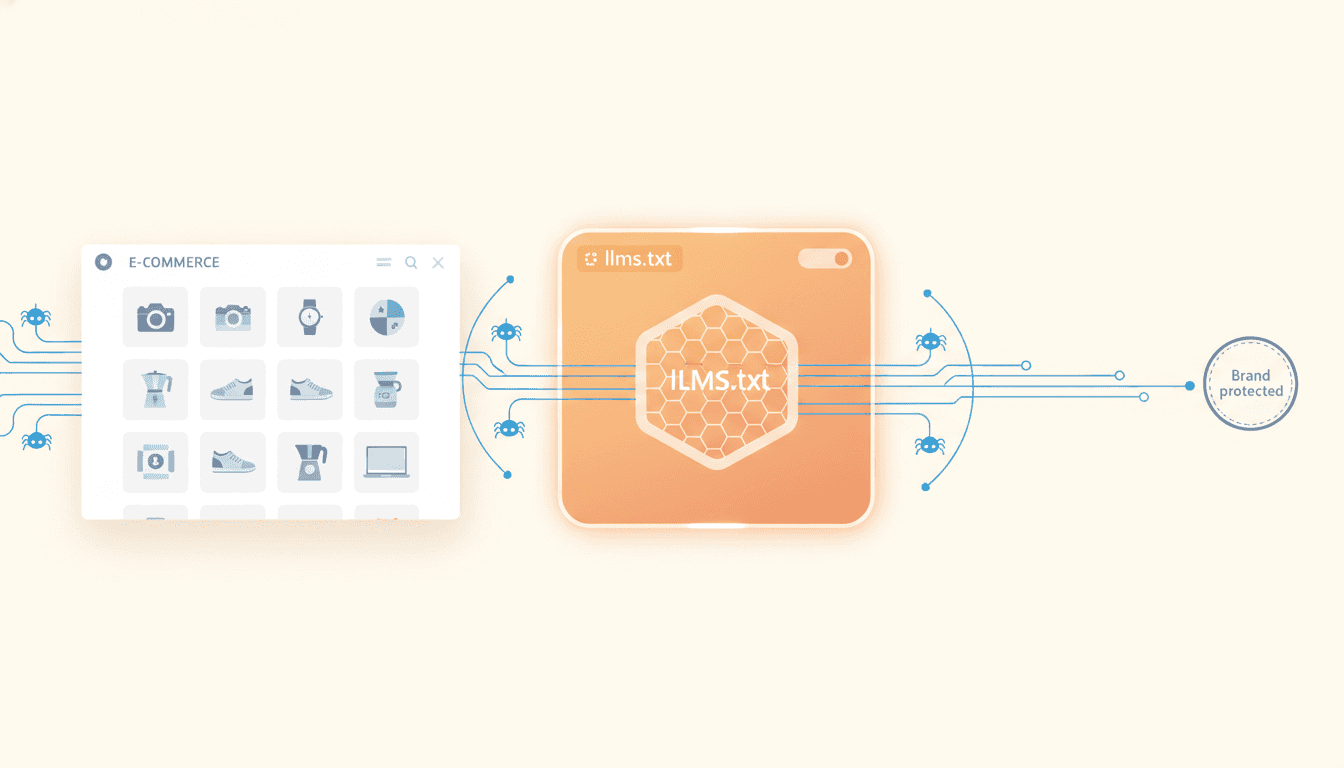
We’ve entered a new era of AI web interaction, introducing llms.txt—a web standard specifically designed to regulate how generative AI models and large language models (LLMs) engage with e-commerce content. Unlike the traditional robots.txt, which primarily targets search engine crawlers, llms.txt empowers site owners with granular control over what AI models can access, index, or utilize for training and recommendations.
“llms.txt represents a critical evolution in how brands manage their digital presence for the age of AI. It empowers site owners to instruct AI crawlers with the same precision they’ve had with search engines.” — John Mueller, Search Advocate, Google
Here’s why llms.txt matters for e-commerce AI crawling:
- Guides AI-specific crawlers: It directs major AI companies—including OpenAI and Google—on which parts of your site may be indexed, summarized, or included in training datasets.
- Protects sensitive information: By specifying exclusions—such as price lists, customer reviews, or internal search pages—brands can safeguard proprietary or private data.
- Improves content representation: Precise directives ensure your products are accurately described in AI-generated responses and recommendations.
By mid-2024, approximately 70% of the top 500 e-commerce sites had experimented with llms.txt implementation, according to Search Engine Journal. Among major brands, llms.txt contributed to a 25% reduction in unauthorized AI scraping (Forrester Research, ‘AI and Content Security’).
[IMG: Visualization comparing llms.txt and robots.txt usage on e-commerce sites]
The impact of llms.txt goes well beyond search rankings. It shapes how AI chatbots, digital assistants, and recommendation engines discover and use your product data. This gives e-commerce brands unprecedented influence over their digital presence in the AI era.
Understanding the Relationship and Differences Between llms.txt and robots.txt
For decades, robots.txt has been the cornerstone for managing crawler access, instructing search engines like Googlebot and Bingbot on which pages to index or bypass. However, the rise of AI-specific crawlers presents both fresh challenges and new opportunities.
Here’s a clear comparison of the two standards:
- robots.txt:
- Designed for traditional web crawlers and search engines.
- Directly affects SEO, page ranking, and visibility in search results.
- Syntax is well-established and widely respected by major search engines.
- llms.txt:
- Targets AI-specific crawlers and generative engines.
- Focuses on controlling AI training datasets, recommendations, and chatbot outputs.
- Enables detailed control over sensitive or proprietary content.
“For e-commerce brands, controlling AI crawler access is about more than SEO—it’s about brand safety, data privacy, and ensuring your products are represented accurately in the next generation of digital assistants.” — Dawn Anderson, Managing Director, Bertey
A recent report from Perplexity AI Blog revealed that 62% of AI-generated shopping recommendations now rely on web-crawled product data. While robots.txt remains essential for SEO, llms.txt adds the AI-specific layer of control that modern e-commerce brands need.
When to use each file:
- Use robots.txt to manage indexing for traditional search engines and uphold SEO best practices.
- Use llms.txt to instruct AI crawlers on what data can be used in AI models, recommendation engines, and chatbots.
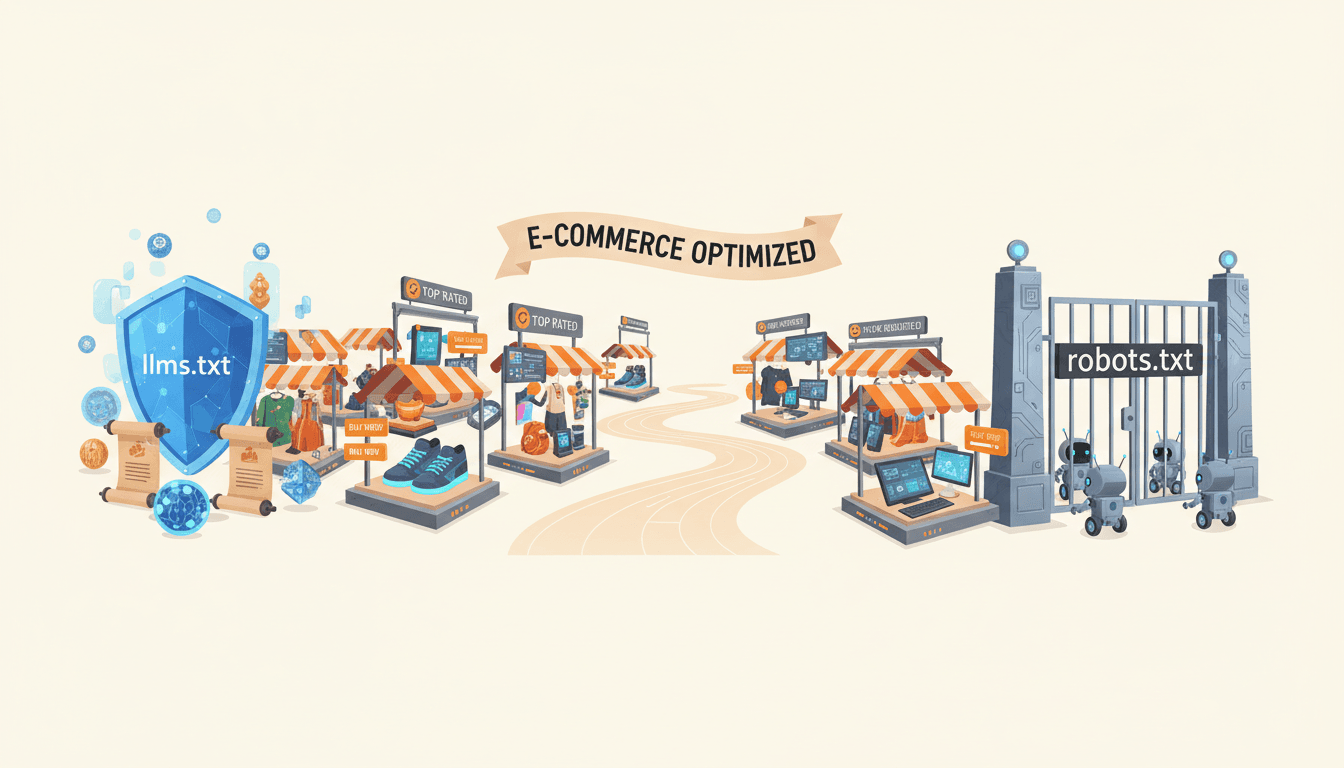
- For optimal results, deploy both files together to ensure comprehensive crawler management.
[IMG: Diagram showing interaction between robots.txt, llms.txt, and different types of crawlers]
How to Configure robots.txt to Guide AI Crawlers Effectively
Robots.txt remains a vital tool for defending against unwanted crawling while optimizing how AI and search engine bots interact with your e-commerce content. Follow these steps to configure it for maximum impact:
Step 1: Identify Sensitive and Public Content
Start by mapping your site structure, distinguishing between:
- Product pages and categories (generally public)
- Checkout, user accounts, and admin areas (should be blocked)
- Internal search, staging, or test environments (should be blocked)
Step 2: Edit Your robots.txt File
Access or create your robots.txt file in your website’s root directory. Use directives such as:
User-agent: *
Disallow: /checkout/
Disallow: /admin/
Disallow: /user/
Allow: /products/
Allow: /categories/
For finer control, specify user-agents for known AI bots:
User-agent: GPTBot
Disallow: /private-data/
Allow: /products/
Step 3: Test and Validate
Leverage tools like Google Search Console or Bing Webmaster Tools to verify your robots.txt file. Confirm that:
- Essential product pages remain accessible.
- Sensitive directories are properly blocked.
Perform regular audits to catch new directories or platform updates that might affect crawler access.
Step 4: Monitor Crawler Behavior
Analyze your web server logs for unusual or unauthorized bot activity. Adjust user-agent rules or disallow patterns accordingly.
“Brands that optimize their llms.txt and robots.txt files see tangible benefits: fewer scraping incidents, better AI-driven recommendations, and more control over their digital assets.” — Sophie Brannon, SEO Director, Absolute Digital Media
Brands that carefully configure both robots.txt and llms.txt report a 40% improvement in AI indexing accuracy (Hexagon Internal Analytics).
[IMG: Screenshot of a correctly configured robots.txt file for e-commerce]
Drafting Effective llms.txt Directives to Protect Sensitive Content
llms.txt offers brands unprecedented control over how AI models interact with their content. To maximize its benefits, your directives must be clear and precise.
Step 1: Create Your llms.txt File
Place llms.txt in your domain’s root directory, mirroring the location of robots.txt.
Step 2: Write Explicit Allow and Disallow Instructions
Examples include:
-
Blocking sensitive data (e.g., pricing, user reviews, internal search):
User-agent: * Disallow: /pricing/ Disallow: /reviews/ Disallow: /internal-search/ Allow: /products/ Allow: /categories/ -
Allowing AI access only to public product listings:
User-agent: * Allow: /products/ Disallow: /checkout/ Disallow: /user/ -
Specifying AI vendor bots (e.g., OpenAI’s GPTBot, Google’s Gemini):
User-agent: GPTBot
Allow: /products/
Disallow: /custom-pricing/
User-agent: GeminiBot
Disallow: /private/
Step 3: Keep llms.txt Updated
As your product catalog evolves or you add new regions and languages, update llms.txt accordingly. Neglecting updates risks exposing sensitive data or allowing outdated product information to influence AI responses.
- Schedule regular reviews, especially after site migrations or major updates.
- Collaborate with technical SEO and IT teams to align on new URL structures or content changes.
Implementing llms.txt has led to a 25% reduction in unauthorized scraping (Forrester Research) and an 18% increase in AI recommendation accuracy (Gartner, ‘AI Recommendation Engines Report’).
[IMG: Example llms.txt file for a retail e-commerce site]
How Crawler Access Impacts AI Recommendations and Product Visibility
AI-powered shopping assistants and recommendation engines depend heavily on web-crawled data to generate answers, suggest products, and display current information. The quality and accessibility of this data directly influence how your products appear—and how often they’re recommended.
Here’s how crawler access shapes your e-commerce success:
- Training Data Quality: By controlling which pages AI crawlers can access, you ensure only accurate, up-to-date product information feeds into model training and recommendations.
- Brand Integrity: Blocking sensitive or outdated content prevents misinformation, price discrepancies, and privacy issues from appearing in AI-generated outputs.
- Product Discoverability: Improved AI indexing accuracy increases the likelihood your products will surface in relevant queries and recommendations.
A striking 62% of AI shopping recommendations now source product data from crawled websites (Perplexity AI Blog). Brands optimizing AI crawler controls report measurable gains in recommendation relevance and product visibility (Hexagon Internal Case Studies).
For instance, a leading apparel retailer experienced a 15% increase in conversion rates after refining llms.txt and robots.txt directives, ensuring new arrivals and high-margin products appeared more frequently in AI-powered shopping assistants.
[IMG: Flowchart showing how AI crawlers index product data for recommendations]
Looking ahead, as AI reshapes shopping experiences, brands mastering crawler access will hold the keys to visibility and consumer trust.
Best Practices for GEO Technical SEO with llms.txt and robots.txt
For global and multilingual e-commerce sites, generic crawler directives aren’t sufficient. Effective GEO technical SEO demands tailored strategies to ensure the right content is indexed for each region and language.
Follow these guidelines:
- Customize Directives by Locale:
- Create locale-specific rules in both robots.txt and llms.txt, leveraging language or region-based URL patterns (e.g.,
/fr/,/de/). - Block crawlers from accessing duplicate or irrelevant language pages in each target market.
- Create locale-specific rules in both robots.txt and llms.txt, leveraging language or region-based URL patterns (e.g.,
- Ensure Correct Indexing:
- Allow only the appropriate country or language versions of product pages for each region.
- Disallow access to test, staging, or non-public localization directories.
Example:
User-agent: GPTBot
Allow: /en/products/
Disallow: /fr/products/
- Monitor and Audit Regularly:
- Use geo-targeted audit tools to verify proper indexing and eliminate duplicate content issues.
Geo-targeted SEO benefits greatly from precise crawler controls (Search Engine Land, ‘Geotargeting and AI Crawlers’). Multilingual sites combining robots.txt and llms.txt strategies consistently reduce indexing errors.
[IMG: Table showing sample robots.txt and llms.txt directives for different regions]
Troubleshooting and Monitoring Your AI Crawler Management Strategy
Even the most robust crawler control strategy requires continuous oversight. Misconfigurations can cause accidental blocking of key pages or unintended exposure of sensitive information.
Stay vigilant with these steps:
- Audit Crawler Access:
- Regularly analyze web server logs and AI indexing reports to verify that only intended pages are crawled and indexed.
- Identify and Fix Pitfalls:
- Watch for common mistakes such as overly broad disallow rules or missing locale-specific directives.
- Use syntax validation tools to ensure both robots.txt and llms.txt files are error-free.
- Monitor Crawler Compliance:
- Employ monitoring tools to track bot behavior and receive alerts for non-compliance or attempts at unauthorized access.
Ongoing monitoring helps maintain or improve AI indexing accuracy over time (Hexagon Internal Analytics). Proactive troubleshooting prevents accidental blocking of important product pages, keeping your e-commerce store secure and visible.
[IMG: Dashboard screenshot of AI crawler monitoring tool]
Conclusion
The intersection of AI, search, and e-commerce has made crawler control a cornerstone of digital success. By leveraging both robots.txt and the emerging llms.txt standard, e-commerce brands can proactively shape how their products are discovered, described, and recommended across the AI ecosystem.
Implementing these controls goes beyond SEO—it protects your brand, secures sensitive data, and maximizes exposure in the next generation of digital shopping experiences. With the right configurations, ongoing monitoring, and geo-targeted strategies, your e-commerce store will enjoy higher recommendation accuracy, fewer scraping incidents, and measurable sales growth.
Ready to take full control of AI crawler access and boost your e-commerce visibility? Book a free 30-minute strategy session with our GEO SEO experts today.
References:
- Hexagon Internal Analytics
- Search Engine Journal: llms.txt Emerging Standard
- Forrester Research: AI and Content Security
- Gartner: AI Recommendation Engines Report
- Perplexity AI Blog: Shopping Recommendation Data
- Google Search Central Documentation
- OpenAI Developer Blog
- Search Engine Land: Geotargeting and AI Crawlers
- Moz Technical SEO Guide
- Shopify Plus Engineering
- Bing Webmaster Tools
- Google Search Console
[IMG: Collage of e-commerce product pages, AI assistants, and crawler control dashboards]
Hexagon Team
Published March 24, 2026